Agency login
Hollah agency login: the OMS dashboard
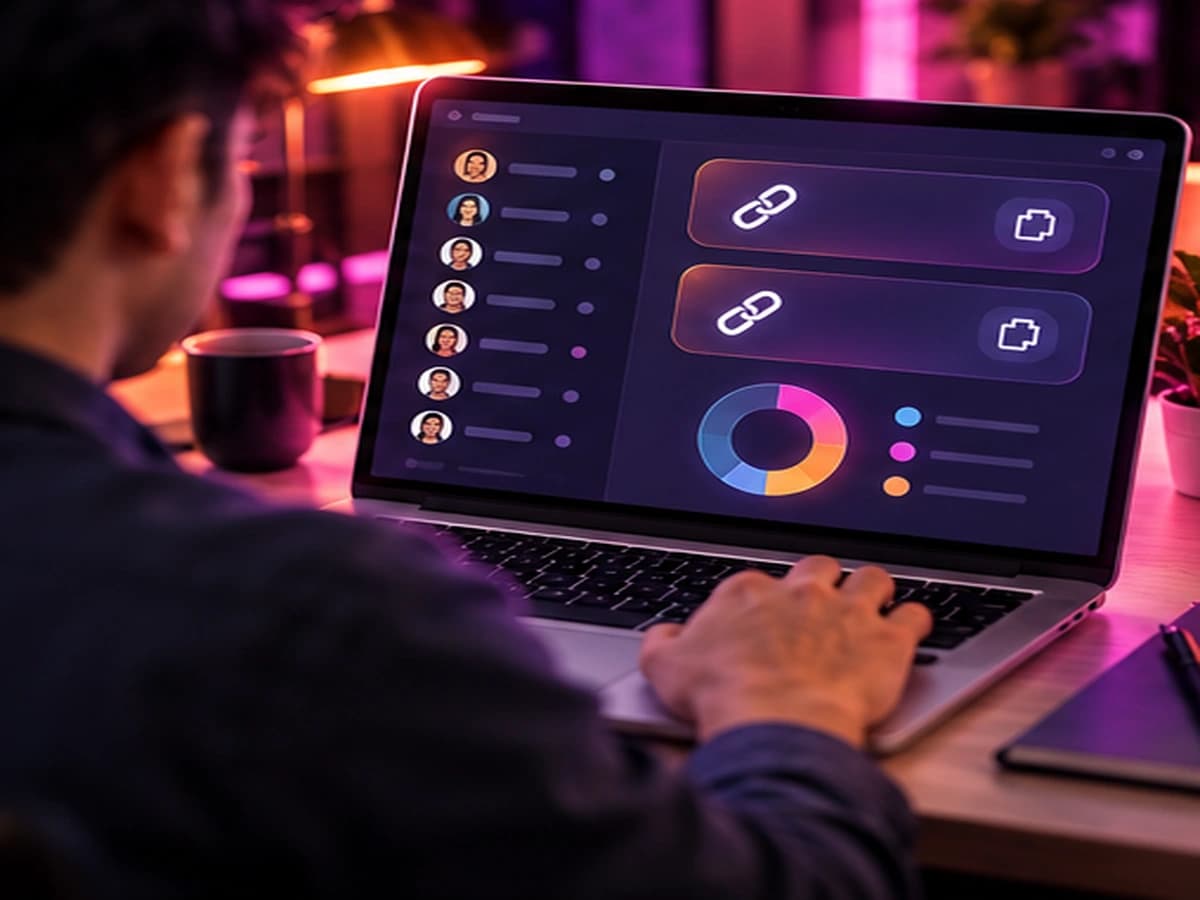
Hollah agencies manage their team in the OMS agency dashboard. You sign in with the username and password you chose when you registered your agency.
Sign in only through the official dashboard link you received when you registered. Never enter your password on a page someone sent you in a chat or an ad.
Inside the dashboard
What you'll find there
Invitation links
On Home: one link for hosts and one for sub-agents. Everyone who registers with them joins your agency.
Your team
Lists of your hosts and sub-agents, so you can see who is active.
Income & commission
Your team's calling income and the commission it earns you each week.
Policy updates
Announcements about commission, payments and rules — read them every week.
Can't log in?
- Check that you're using the username you chose during registration, not your Hollah user ID.
- Forgot your password? Message us — we'll help you reset it through your upline agency.
- Not registered yet? Start with the agency registration guide.
Cashing out
Weekly cash-out happens in the Hollah app itself (Me → My Earning), not in the dashboard. See the withdrawal guide for the Monday cut-off in your time zone.
Ready to create your Hollah agency?
Register free with our link, then message us — we'll help you set up your dashboard, invite your first hosts and get your first weekly payout.
Free to join · 18+ only · We never ask for fees, passwords or login codes